
VoiceVibe lets you talk to your computer, in any app or website. Press a key and say what you need; while you speak, choose what happens: type it, transform text, ask about what's on your screen, or launch an AI chat or agent with the task. Do more without losing your train of thought. Modes include Voice Typing (free, on-device and offline), Voice Typing Pro, Magic Typing, Magic Clipboard, Voice Assistant, Text-to-Speech, AI Images, Chat Launcher and Agent Launcher. Runs on Windows 10+, macOS 14+ (Apple Silicon) and Linux (X11). Voice Typing is free, and the Pro modes are paid.
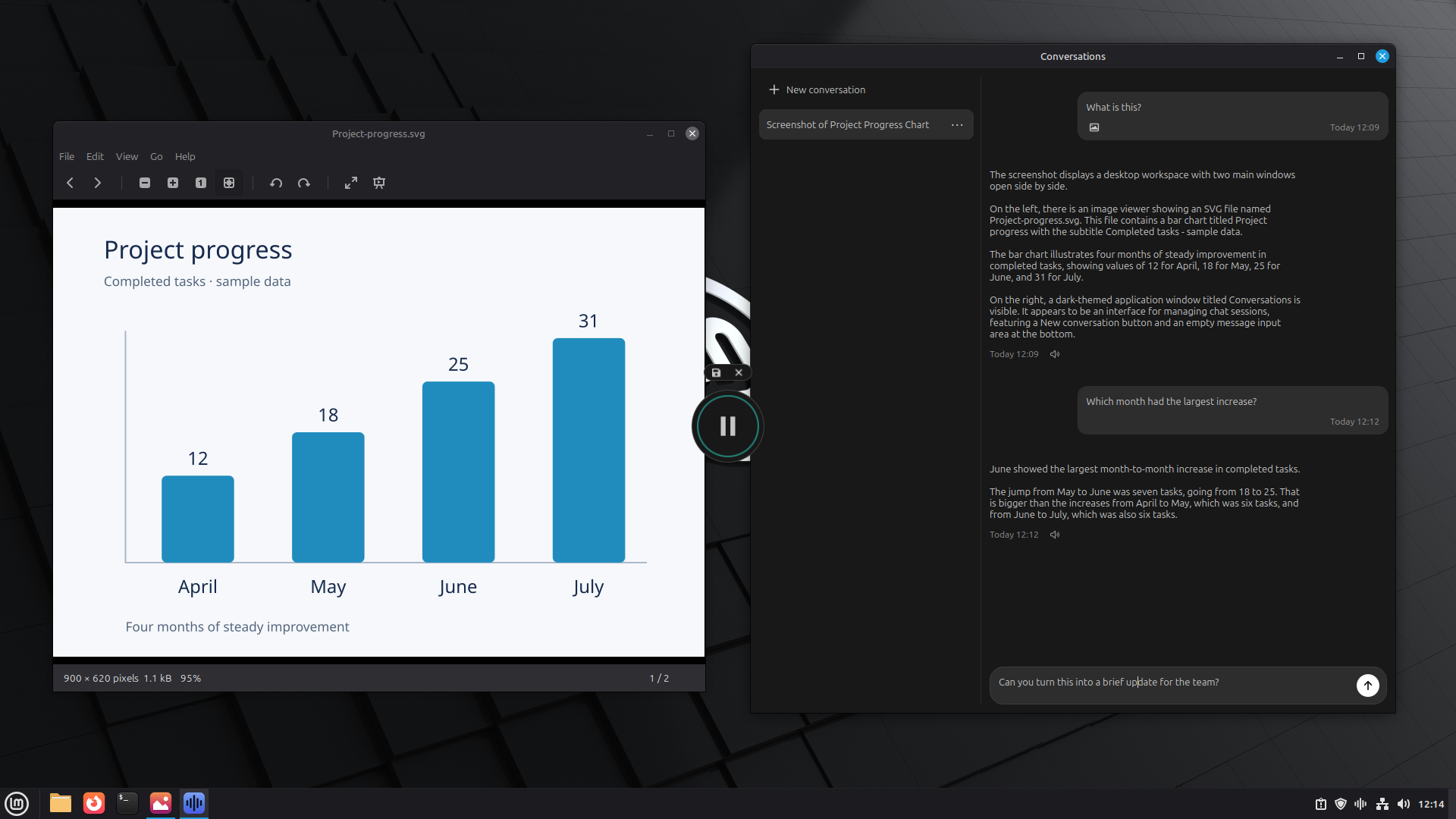
Getting help from AI usually means breaking your flow: switch to a chat window, copy the context in, wait, then paste the result back. Typing everything out is slow too. VoiceVibe removes those steps. Press a key anywhere on your computer and speak; while you talk, choose what happens: type it into the app you're in, rewrite the selected text, ask about what's on your screen and hear the answer, or launch an AI chat or agent with the task. You keep your train of thought.