
ScreenBuddy is a Windows screen recorder and editor for product demos, tutorials, and walkthroughs. Record your screen, a window, or a selected area, then turn the recording into a clear, polished video.
Bring details into focus with automatic zoom and callout bubbles. Add captions generated by an on-device speech model, and mask sensitive information with blur or solid covers. Create depth with 3D camera movements, adjust your cursor and canvas, and trim pauses.
Keep editing while an export renders. Export MP4 or GIF locally, or publish a shareable link so viewers can watch in their browser. Recording and editing are free to try, while exporting and shareable links need a subscription ($5 a month billed yearly, or $10 monthly).
Built for Windows 10/11 (64-bit). Also available for Apple silicon Mac.
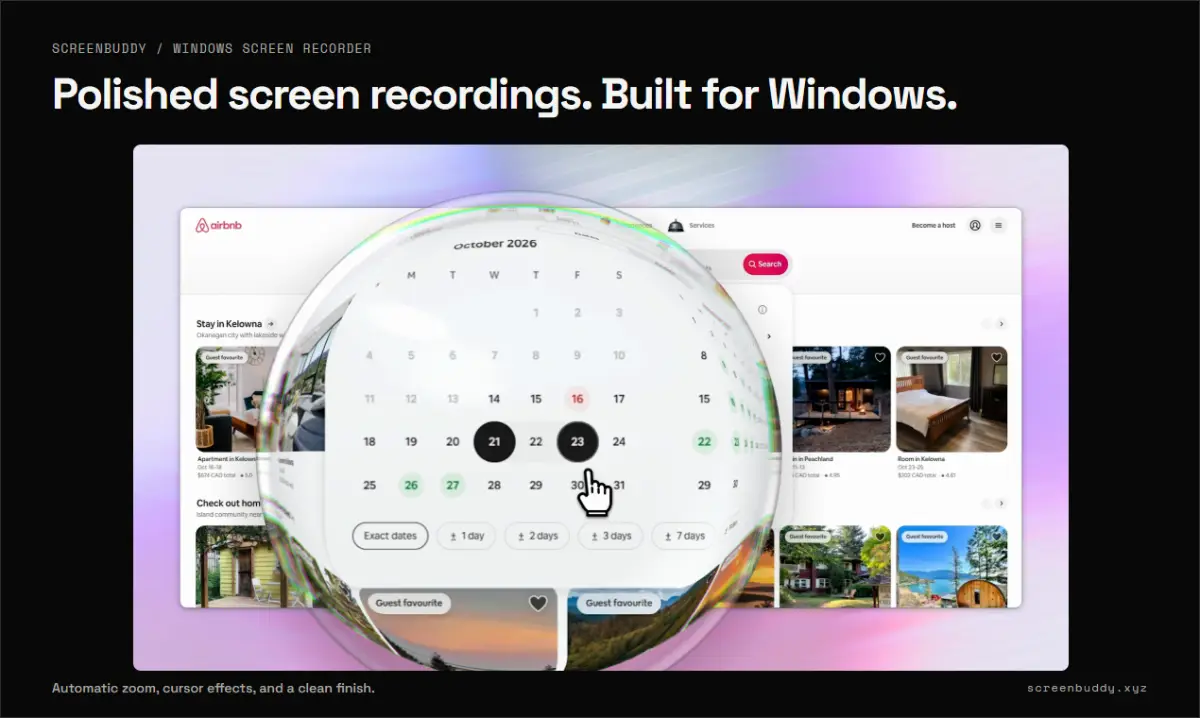
I built ScreenBuddy to make Windows product demos and tutorials easier to record, polish, and share. It brings recording, clear visual callouts, captions, editing, and sharing into one desktop workflow.