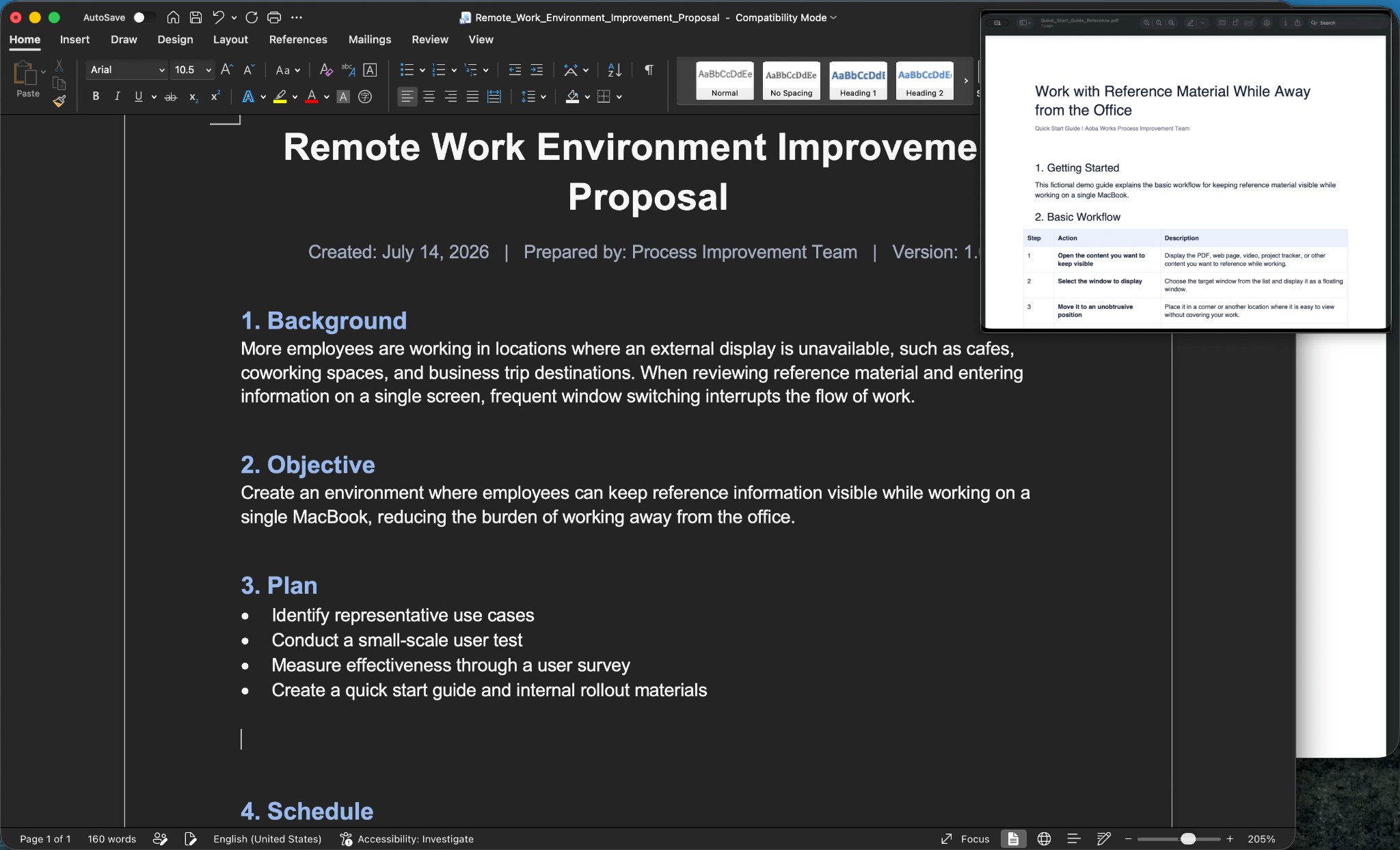
Pocket Screen is a macOS app that keeps the window you need visible in a compact floating view while you work in another app. It's picture-in-picture, but for productivity: keep a PDF, browser, dashboard, chat, timer, or other reference in sight instead of switching back and forth. The floating view can be moved and resized, and features like Click-Through and keyboard shortcuts help it stay out of the way while you work. Everything is displayed locally on your Mac. The free version has no expiration and can be used in unlimited sessions of up to 10 minutes. A one-time purchase removes the session limit.
Pocket Screen started from a simple frustration: on a single MacBook screen, checking a reference often means switching away from the work, finding the information you need, and then switching back again. The idea was to make that loop disappear. It's especially useful when an external display isn't available, at a cafe, in a coworking space, or while traveling.